Library with AI: upload your manuals and your assistant reads them for you
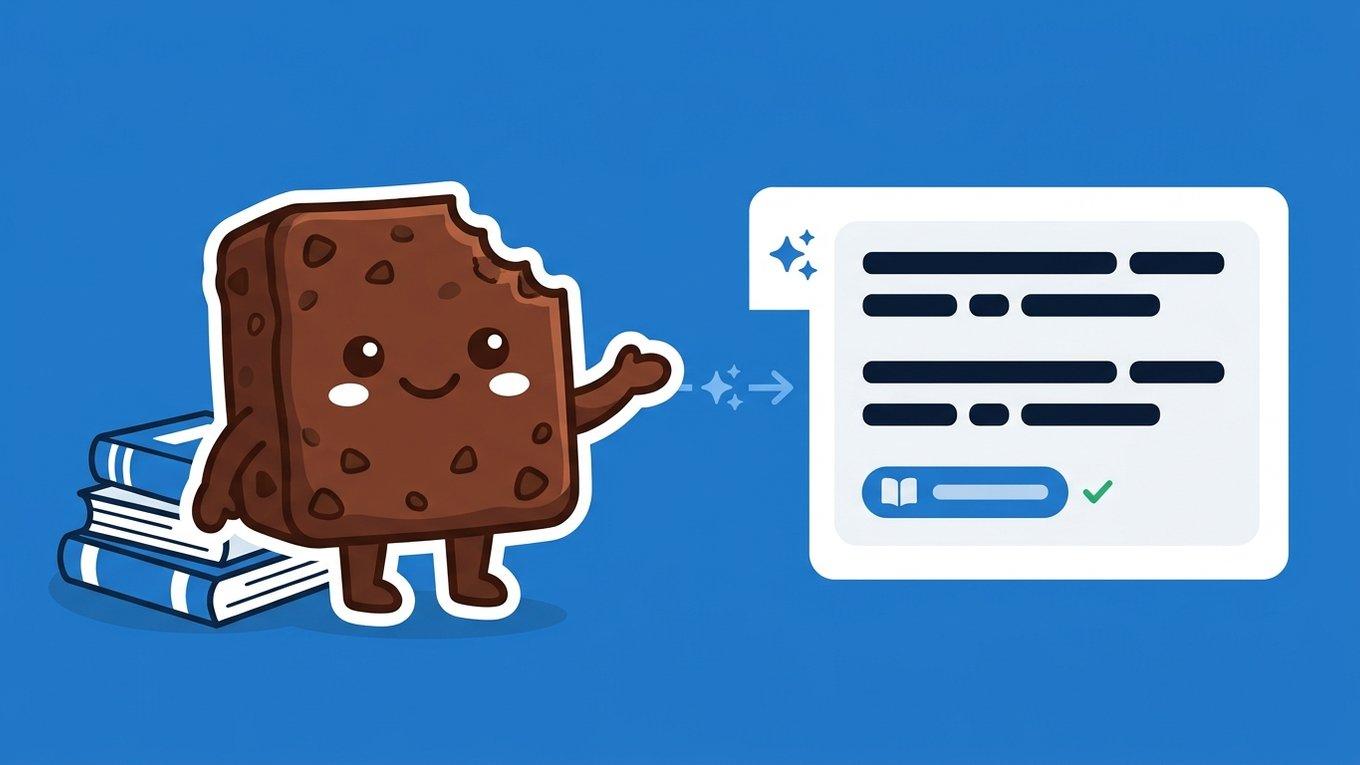
If you are a psychologist, your knowledge does not live only in your head: live in the manual of the test that you will manage, in the emphasized volumes of your head author, in the clinical guides and in the notes that you accumulated during years of training. The problem is that all that material is in PDFs that you have to open, remember and search by hand — usually at the worst moment: in the middle of a session or preparing a report.
Since today, Brauni has a Library: subdue your documents once, and your AI assistant reads them, understands them, and uses them as a source to respond to you — quoting exact document and page so you can always verify it.
What is the Library?
It's a personal space within Brauni where you upload your reference documents:
- Test manuals with their criteria, scales and correction guidelines
- Works of your reference authors — even scanned volumes of hundreds of pages
- Clinical guides and protocols of administration
- Your own notes of training, papers and teaching materials
Brauni accepts PDF, Word (.docx) and plain text (.txt), with documents up to 50 MB and 1.500 pages. And here comes the important thing: it doesn't matter if the PDF is text or an old photocopy scan — if the pages are image, Brauni applies optical character recognition (OCR) automatically.
Note
Do you have the 24 volumes of your favorite author's complete works scanned? Uploads. Brauni processes them, indexa and leaves them searchable page by page.
How it works: from dead PDF to colleague who read it all
When you upload a document, Brauni does three things in the background:
- Extracts the text — if the PDF already has text, it reads it directly; if they are scanned pages, it applies professional-grade OCR (the same engine used by large-scale document scanning systems)
- Indexes it by meaning — the content is divided into fragments and is semantically indexed: the search understands concepts, not just exact words. "Rumination" finds passages on repetitive thinking even if the book never uses that word.
- Makes it available to your assistant — from that moment on, the AI wizard can consult your library when responding
The result feels like this:
You: "What diagnostic criteria does the manual use for generalized anxiety?"
Your assistant: "According to your manual, the criteria are... The key point is the minimum duration of 6 months... 📖 Manual Diagnosis — p. 272"
That page quote is not decorative: it is the difference between an AI that "sounds convincing" and a clinical tool that you can trust. Each response based on your library includes the document and the source page, so you can go to the source and verify it yourself.
All Gemini power, enriched with TUS sources
The Brauni wizard always had the power of the latest generation AI models. But generic AI responds with generic knowledge. The difference now is the context: your assistant responds with your theoretical framework, your manuals, your authors — the criterion with which you work.
Ask him about psychoanalysis and he answers you from your volumes of Freud. Ask him about a test and he answers you from the manual you will manage, not from an internet summary.
What you're going to use it for (real cases)
During administration of a test
"How does the X scale score when the patient omits an item?" — manual response, with the scale page. Without cutting the session to browse.
Preparing a Session
"What does my author say about this type of resistance in teenagers?" — the assistant searches in the volumes you uploaded and brings you the relevant passages with volume and page.
Basing a report
Accurate quotes from your sources, ready to check and reference. "I know I read it somewhere."
Upload a document, step by step
From → Library Upload document:
- Choose the file (PDF, DOCX or TXT)
- Put a title and description — optional but highly recommended: "Cognitive Therapy Manual with Children and Adolescents — Bunge, Gomar and Mandil" gives the wizard much more context than the file name
- Ready — the document queues and is processed only
How long does it take?
Depends on the size and whether the document is scanned:
| Document | Approximate time |
|---|---|
| Notes or paper (ten pages, with text) | less than 1 minute |
| 400 text pages manual | 3 to 6 minutes |
| 400 scanned page manual (OCR) | 10 to 20 minutes |
| Taken from 1.000 scanned pages | 20 to 30 minutes |
You can close the quiet screen: the processing is still in the background and the document appears as Ready in your Library when it ends.
Council
The description you carry is also indexed. If you write "Rorschach test manual that I use in evaluations", then you can tell the assistant "seek in my Rorschach manual" and he will know exactly which document you refer to.
How much do you consume from my plan?
Processing uses the A. I. tokens of your plan — the same budget that uses the — wizard chat with a fee intended for indexing to come out cheap:
- Text documents: ~62 tokens per page. A 400 page manual ≈ 25.000 tokens (a minimum fraction of your monthly budget)
- Scanned documents (OCR): add up 1.000 tokens per scanned page, because optical recognition has a real processing cost
The cost is discounted once, when indexing. Then, consulting your library in the chat costs the same as any conversation with the wizard. In the detail of each document you see exactly how many tokens it consumed.
Privacy and security: your library is yours only
We know trust is all about a clinical platform, so we apply the same standards to your library as to medical records:
- Living: your files and extracted text are stored encrypted (AES-128, Fernet encryption) — the same scheme with which we protect your patients' data
- Full isolation: Your library is yours and nobody else's; no other professional can see your documents or your searches
- No model is trained with your material: Your documents are used only to respond to you, in your account
- Verified integrity: each file saves its SHA-256 fingerprint to detect any alteration
Frequently Asked Questions
Does it work with scan PDFs of poor quality?
Yes. The OCR Brauni is professional and handles well old scans, digitized photocopies and editorial fonts. If any page is unreadable, the same document is indexed with the rest and we let you know which pages remain pending.
What if a document fails in the middle of processing?
Nothing is lost: what has already been processed is indexed and searchable, and the Retry button completes only what was missing — without re-eating tokens for what has already been processed.
Can I ask the assistant to look for a specific document?
Yes. If you say "seek in the volume 16" or "according to Bunge's manual...", the wizard identifies the document in your library and restricts the search to that material.
Is the library per patient?
No — is yours, by the professional. The same manuals and authors accompany you in the chat of any patient. What is for patient (and always was) are the session notes and clinical material.
How many documents can I upload?
Depends on your plan: 10 documents active in the Initial plan and 50 in the Expert, in addition to the token limit of your plan for processing. If you delete a document, you release the quota.
Can I download my documents?
Always. Your original files are saved and you can download them whenever you want, with integrity check included.
Summary
| Action | Time | Frequency |
|---|---|---|
| Upload a document with title and description | 1 minute | By document |
| Processing and indexing | 1 to 30 min according to size and scan | Automatic |
| Check it from the wizard chat | Instant | Every time you want |
Free Brauni test for 30 days, no card
Automatic session notes, digital medical records and more.
Start for freeConclusion
Your training is your biggest clinical tool — but only if you can access it at the right time. With the Brauni Library, your manuals, authors and notes stop being PDFs asleep in a folder and become an available colleague 24/7 that read everything, responds in seconds and always tells you what page it says. Upload your first manual today and ask him what you want.
Related articles
Privacy and Security
Do you use ChatGPT to write clinical reports? What you need to know about your data
What happens to your patients' data when you use ChatGPT, Gemini, or other generational AIs to write clinical reports or notes. Legal, ethical, and safe alternatives.

Based on Evidence
AI in mental health: what the evidence shows and where the boundaries are
The first randomized trial of a generational AI chatbot for mental health gave promising results, but other studies show serious failures. What research says today.
Management of clinical practice
How to get patients by being a psychologist: 10 real strategies
Practical guide to getting patients by being a psychologist: referrals, Google, directories, online reservations and clear niche. Real strategies, no smoke.