How to install Brauni on your mobile or computer (no app store)
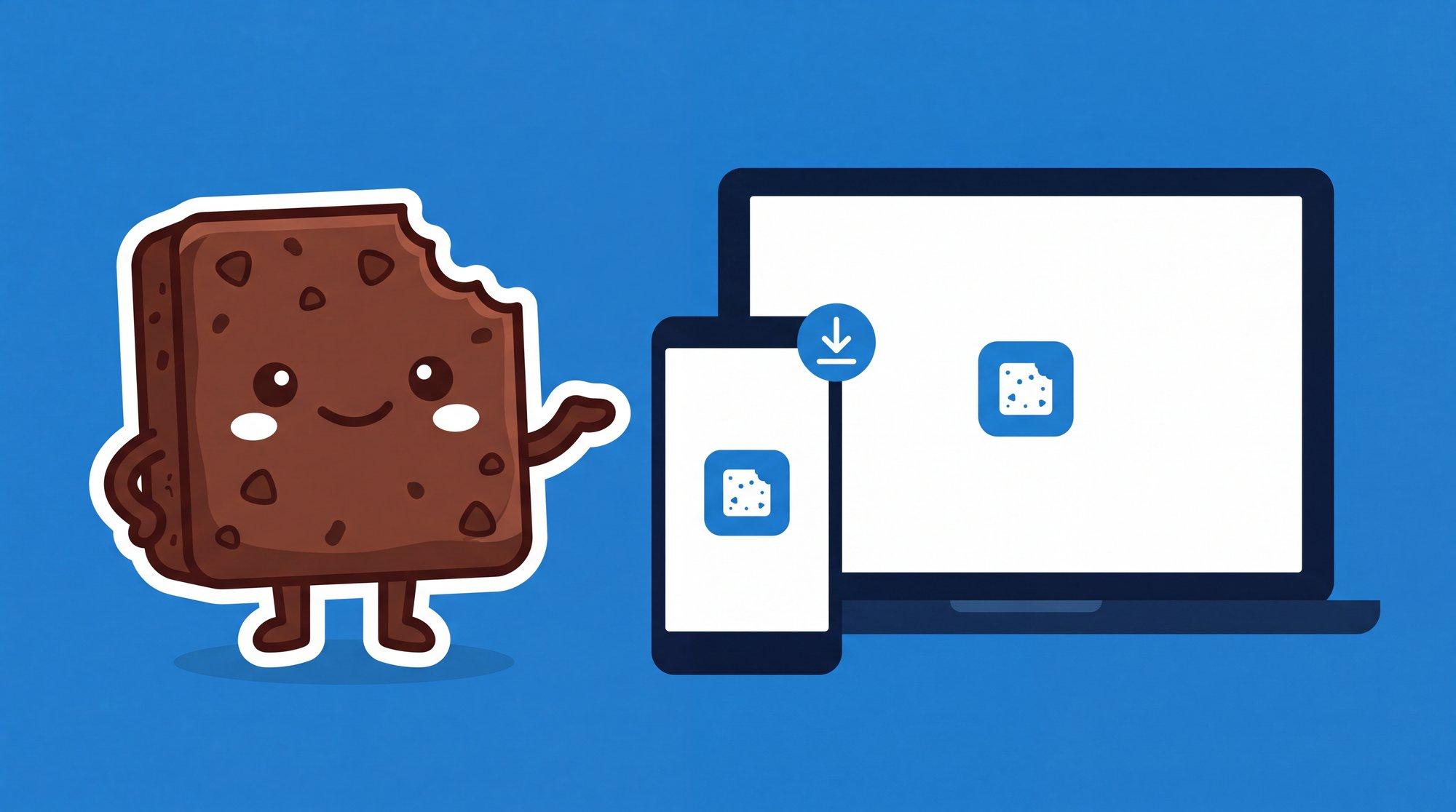
Brauni works from the browser, but you can also install it as a native app on your cell phone, tablet or computer. Without going through the App Store or Google Play. It installs in less than 1 minute and then you open it like any other app, with its own icon and full screen.
This is possible because Brauni is a Progressive Web App (PWA) - a technology that allows a web app to behave exactly like a native app: you receive notifications, it opens in full screen and takes up much less space than a traditional app.
Why install Brauni as an app
- Quick access: a touch from your home screen, without opening the browser
- Full screen: No address bar or browser distractions
- Notifications: I received appointment alerts and reminders directly
- Offline works: basic functions are still available offline
- Liviana: occupies a fraction of what a store app would weigh
Council
It doesn't matter if you already use Brauni from the browser. When you install the app, your session and all your data are maintained.
Install on iPhone or iPad (Safari)
On Apple devices, the installation is done from Safari. It is the only browser that supports PWA on iOS.
Step by step
- Open Safari and enter app.brauni.io
- Log in with your account
- Tap the Share button (the square icon with up arrow, in the bottom bar)
- Scroll the options down until you find Add to Start
- Confirm the name (leave it as "Brauni") and tap Add
- Ready - the Brauni icon appears on your home screen
Important
On iPhone, the installation only works from Safari. If you use Chrome or Firefox on iOS, the "Add to Start" button does not appear. This is an Apple restriction, not Brauni.
After Installing
When you touch the Brauni icon, the app opens in full screen, without the Safari bar. It works like any other app on your iPhone.
Install on Android (Chrome)
In Android, Chrome automatically detects that Brauni is installable and suggests it.
Step by step
- I opened Chrome and entered app.brauni.io
- Log in with your account
- Chrome will show you a banner at the bottom saying "Add Brauni to home screen" - tap Install
- If you don't see the banner, tap the three-point menu top right and select Install app or Add to home screen
- Confirm playing Install
- The Brauni icon appears in your home screen and app drawer
Council
On Android, the installed app behaves like a complete native app. It appears in your list of recent apps, you can fix it in the taskbar and receive push notifications.
Install on Windows (Chrome or Edge)
Both Chrome and Edge allow you to install Brauni as well as desktop app.
With Google Chrome
- I opened Chrome and entered app.brauni.io
- Log in with your account
- In the address bar, you will see an icon of monitor with down arrow (to the right) - click
- Confirm playing Install
- Brauni opens in its own window, without browser bars
With Microsoft Edge
- Open Edge and enter app.brauni.io
- Start of session
- Click on the three points icon above to the right
- Select Apps → Install Brauni
- Confirm installation
In both cases, Brauni appears as a shortcut on your desktop and on the Windows startup menu.
Install on Mac (Chrome or Safari)
With Google Chrome
- I opened Chrome and entered app.brauni.io
- Start of session
- In the address bar, click the install icon (monitor with arrow)
- Confirm with Install
- Brauni is added to your Applications folder and Launchpad
With Safari (macOS Sonoma or later)
- Open Safari and enter app.brauni.io
- Start of session
- In the menu bar, click File → Add to Dock
- Confirm the name and click on Add
- The Brauni icon appears in your Dock
Note
The "Add to the Dock" option in Safari requires macOS Sonoma (14) or later. If you have an older version, use Chrome.
Frequently Asked Questions
Is the installed app secure?
Yes. The installed app uses exactly the same encrypted connection (TLS 1.3 + AES-128) as the browser version. Your clinical data is equally protected.
Can I use Brauni on more than one device?
Yes. Your account works on all your devices at the same time. Install Brauni on your cell phone, your clinical practice computer, and tablet if you want. Everything syncs in real time.
Does it take a lot of space?
No. The installed app occupies less than 5 MB. A traditional management app usually weighs between 50 and 200 MB.
How do I uninstall the app?
- iPhone/iPad: I kept the → icon pressed Delete app
- Android: I kept the → Uninstall icon pressed
- Windows: Start menu → right click on Brauni → Uninstall
- Mac: will drag the icon from Applications to Trash
Do not lose your account or data when uninstalling. It is only direct access.
Free Brauni test for 30 days, no card
Automatic session notes, digital medical records and more.
Start for freeSummary
| Device | Browser | How to install |
|---|---|---|
| iPhone / iPad | Safari | Share → Add to Home |
| Android | Chrome | Auto Banner or Menu → Install app |
| Windows | Chrome / Edge | Icon in direction bar or menu → Install |
| Mac | Chrome | Icon in direction bar → Install |
| Mac | Safari (Sonoma+) | File → Add to Dock |
Brauni is designed so that you can manage your clinical practice from wherever you are. Whether in the collective by reviewing the agenda of the day, on your desktop documenting sessions or on your tablet between patients - you always have your clinical practice available.
Related articles
Management of clinical practice
How to get patients by being a psychologist: 10 real strategies
Practical guide to getting patients by being a psychologist: referrals, Google, directories, online reservations and clear niche. Real strategies, no smoke.

Management of clinical practice
health insurance, private or private health plans: guidance for psychologists
Letter, return or particular: guide for psychologists on health insurance and private health plans in Argentina. Pros, cons, invoicing and how to put together your mix.
Management of clinical practice
Cancellation policy for psychologists: how to charge absences
Cancellation policy guide for psychologists: when to charge for a cancelled session, how to communicate it without damaging the link and clause ready to copy.